Skip to Content
Odoo Migration Services

Odoo Migration Services

Doodex provides end-to-end Odoo migration services for businesses moving off legacy systems or an older release. Whether you are migrating to Odoo for the first time or upgrading to a new version, our Odoo migration keeps your data safe and your operations running. As a certified Odoo migration team, we manage the entire Odoo migration process — assessment, data mapping, transfer, testing, and post-migration support — turning fragmented systems into one integrated platform.

Zero data loss No disruption Worldwide
01 Stay updated with new features

Migrating to Odoo's newest release unlocks new and enhanced features, plus modern tools, plus a cleaner user interface — instead of staying on an old system that limits your business processes. Both Odoo Community and Odoo Enterprise editions are fully supported.

02 Better integration and flexibility

An Odoo ERP migration enables seamless integration with e-commerce, inventory management, and third-party apps, so your business operations run on one connected system rather than disconnected odoo tools. Odoo also provides powerful reporting and analytics to support data-driven decisions.

03 Secure and reliable data migration

Our Odoo data migration protects business data and customer records, keeps your data intact, and prevents data loss when you move data off legacy systems.

04 Ensure business continuity

A typical migration means 2 to 4 hours of downtime — but our staged, zero-downtime cut-over keeps your team working throughout the move, so migrated businesses keep trading, with support after go-live.

Why migrate now

Why Your Business Should Migrate Now

A timely upgrade process moves you to a new version that is faster, safer, and easier to extend — so you can streamline operations and support business growth.

What we deliver

Our Odoo migration services — six core services, one seamless transition

Every project is a complete Odoo migration service covering data, custom modules, and configurations end to end.

01 · Data migration & backup

Data migration and data backup

Securely transfer data from your current Odoo version or existing systems with a full data backup and zero data loss — whatever the volume. Dynamic migration transfers both static and relational data, ensuring customer records, inventory data, transactions, and their relationships are migrated accurately. To protect your business data, we keep data backups in two separate locations before, during, and after migration.

02 · Custom modules & apps

Custom modules and apps migration

Migrate standard and custom odoo modules, plus your apps, to the new release by adapting them for compatibility while preserving your custom workflows and business workflows. We write custom code rather than Studio patches, so your custom modules stay maintainable.

03 · Data mapping & cleaning

Data mapping, cleaning, and data security

Legacy systems may store data in incompatible formats, so we handle data mapping and cleaning first — data cleansing before migration removes duplicate records and fixes inconsistencies — and existing data such as inventory data and customer records is transferred accurately to the new Odoo system.

04 · Version upgrades

Version upgrades to the latest Odoo version

Upgrade your platform on Odoo Community or Odoo Enterprise, cloud or on-premise, and minimize downtime with a carefully staged cut-over.

05 · e-Commerce & integrations

e-Commerce and app integrations

Reconnect e-commerce, POS, and third-party tools after the move so every channel keeps running on one connected platform.

06 · Post-migration support

Post-migration and ongoing support

User training, ongoing support, and optimisation resolve any post migration issues and keep the platform healthy.

Module & version migration

Odoo module migration and Odoo version migration

Odoo module migration is where most upgrades succeed or stall. Moving from an existing Odoo version to a new Odoo version means every standard, custom, and third-party module must be adapted to work with the new framework — not simply copied across. Our approach adapts your custom modules, custom workflows, and apps so functionality, data, and seamless integration keep working exactly as before.

Migrating from an existing Odoo version

We handle the entire migration process by reviewing every module, updating custom code for the new version, transferring existing data, and testing everything in a staging environment before go-live. Direct migrations between significantly different Odoo versions are not supported, so we upgrade version by version — for example a step-by-step Odoo upgrade from 17 to 18 to 19. Whether you jump a single release or several, we plan the migration timeline to minimize downtime and risk.

Migrating from a legacy ERP

Coming from a legacy ERP such as SAP or NetSuite? We map your old data model, rebuild the equivalent modules and workflows in Odoo, and validate everything before cut-over — a clean move with minimal downtime and no data loss.

Our migration process

Our Odoo Migration Process — Five Steps to a Successful Migration

A clear, structured migration process keeps scope, cost, and timeline under control from start to finish.

01
Phase 1

Assessment and planning

We audit your current system, data volume, modules, and integrations — a crucial phase for informed decision making and a solid migration strategy.

02
Phase 2

Data backup and extraction

A secure data backup and clean extraction from the old system, validated before any transfer.

03
Phase 3

Module migration

Adapt standard, custom, and third-party modules to the new version.

04
Phase 4

Testing and deployment

Performance testing, UAT, and a zero-downtime cut-over onto the new system. Testing includes data accuracy and system functionality checks, delivering significant improvements in speed and stability.

05
Phase 5

Support and handover

User training, monitoring, and ongoing support once you're live on the new system, following a successful migration.

Common challenges

Common Odoo migration challenges — and how we solve them

Most failed migrations fail for the same predictable reasons. Here is how our methodology removes them.

Incompatible or messy legacy data

Old data is often inconsistent or stored in formats the new system can't read. We cleanse, map, and validate every record before it is loaded.

Broken custom modules

Modules built for an old version often break on the new one. We refactor the custom code so it works natively on the target release.

Unplanned downtime

Downtime is expensive. Our staged cut-over and dry runs keep the switch short and predictable, with a rollback ready if needed.

Low user adoption

A new system only delivers value if people use it. Role-based user training and clear documentation drive adoption from day one.

Why choose Doodex

Why choose Doodex's certified Odoo experts

As an experienced Odoo migration team, our team ensures a successful Odoo migration, migrating every module, dataset, and workflow — from a legacy ERP or client-server information systems to the latest release.

13 years of ERP experience

Since 2016 as Immersia and today as Doodex, we've delivered hundreds of customisations and migrations across highly varied industries.

Certified Odoo experts

Our certified team knows both the Odoo platform and the systems you connect it to, so migrations are built right, not bolted on.

Custom code, never Studio

We write clean custom code that survives version upgrades, keeping your system maintainable long after go-live.

Zero data loss track record

We validate every record with dry-run checks and sign-off, so you go live with clean, verified data.

Minimal downtime cut-over

Careful planning and automation mean your business keeps running while the migration happens behind the scenes.

Transparent scope and pricing

Clear milestones and a scope agreed up front mean no surprise costs mid-project.

A trusted Odoo migration service provider

As an Odoo migration service provider you can trust, we back every project with a clear migration strategy and long-term support.

In-house team, nothing outsourced

A 30-person in-house team handles your project end to end, so accountability never gets lost between vendors.

Cost & long-term savings

Odoo migration cost and long-term savings

Odoo is typically a more affordable option than proprietary ERP systems — the figures below are market references, not quotes. We scope your exact cost after an audit.

$40,000–$120,000
Typical range for a mid-sized SME migration (11–50 users) — market reference, scoped after audit.
up to 80%
Estimated ERP licensing reduction vs vendors such as SAP or Oracle.
$35k–$50k+/yr
Estimated annual saving many businesses see after migrating — lower licensing, less manual work, retired legacy tools.

* Figures are market-reference estimates and vary by scope, data volume, and modules. Final pricing is confirmed after an audit.

One integrated platform

Turn fragmented systems into one platform.

Without migration, information remains trapped in fragmented systems and data silos. Sales teams can't see inventory, finance teams manually enter the same records multiple times, and reporting becomes slow and inaccurate. Migrating to Odoo replaces that with one unified platform — connected business operations and seamless integration across departments — so you streamline operations and unlock business growth on a new Odoo system.

Upgrade. Migrate. Evolve.

Upgrade, migrate, and evolve with expert Odoo migration services.

Ensure a smooth transition, secure data migration, and enhanced performance.

Post-migration optimisation

The work doesn’t end at cut-over.

  • Validate all migrated data and confirm module accuracy.
  • Test Odoo features, reports, and integrations for performance stability.
  • Provide Odoo training to help users adapt to the upgraded system.
  • Enable proactive monitoring to ensure continuous performance.
  • Schedule ongoing support and post-migration maintenance to keep your ERP up to date.
Book a post-migration audit Explore support plans
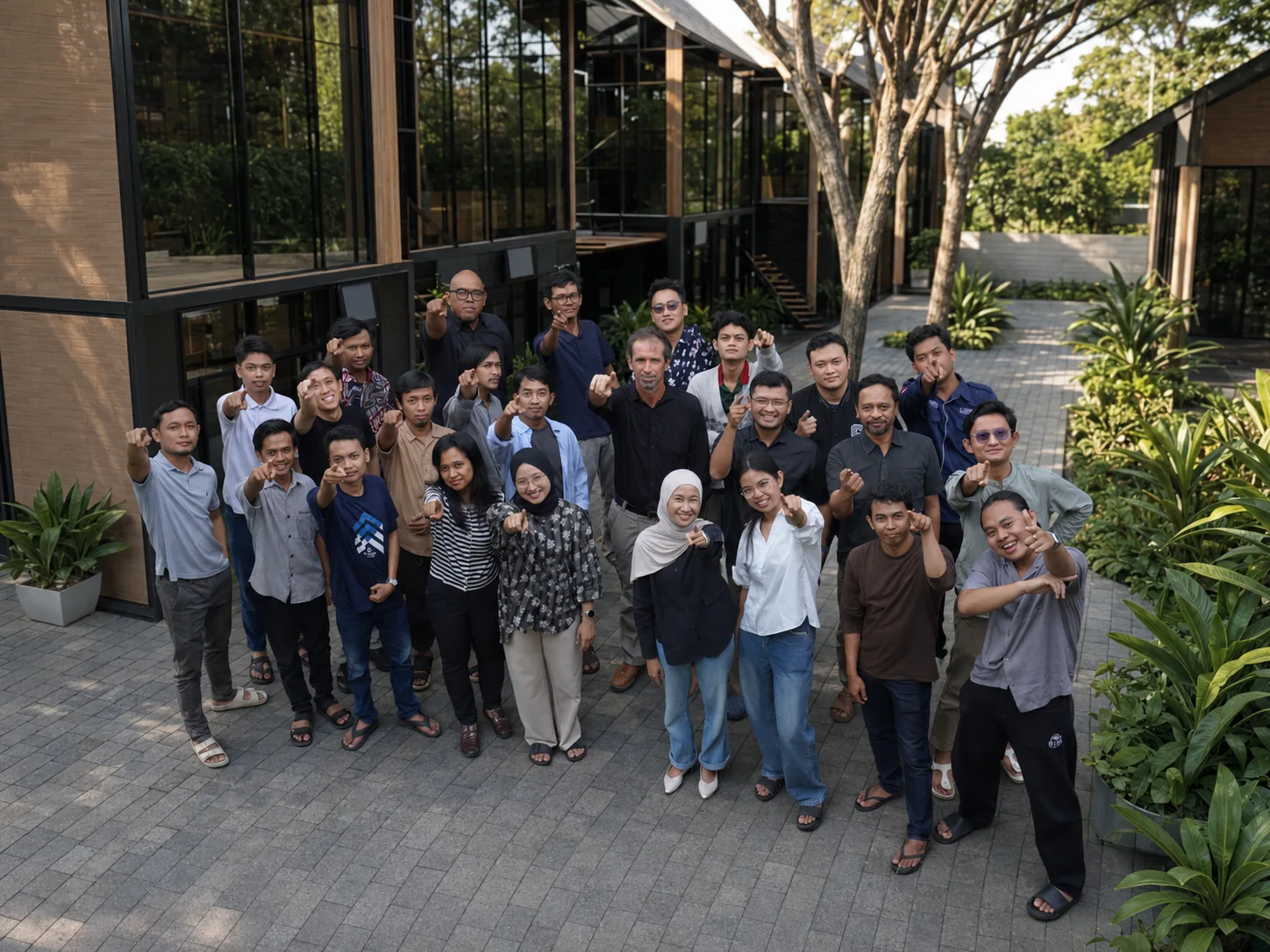
Our team

The people behind your project.

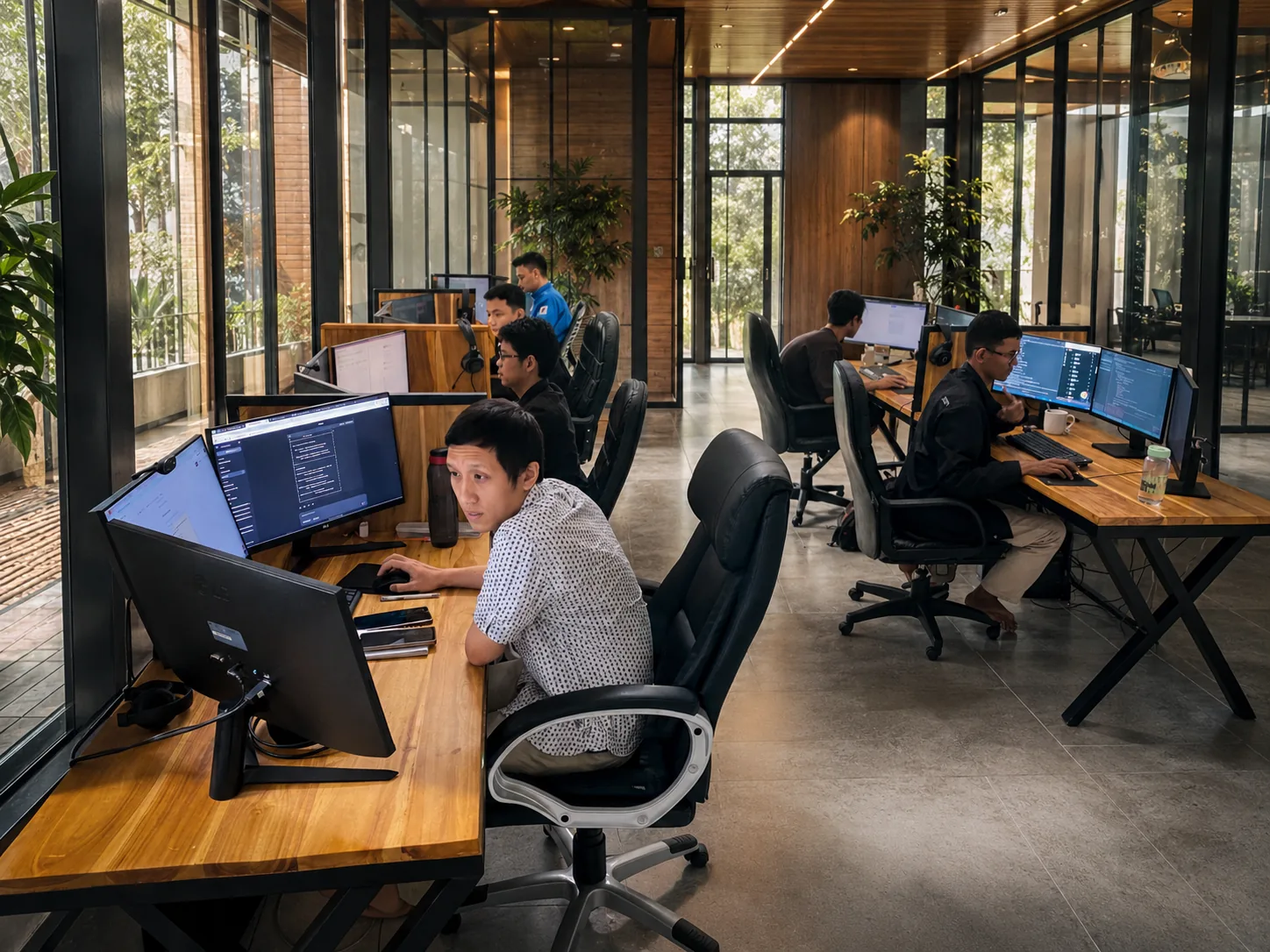
A 30-person in-house team of certified Odoo consultants and developers — no outsourcing, full accountability from kickoff to go-live.

Doodex team at work
Doodex team collaborating
Who we work with

From agile startups to large enterprises.

01 · Enterprises

Enterprises

Advanced customisation and integrations for complex needs — multi-entity, multi-currency migrations done right.

02 · SMBs

SMBs

Cost-effective migrations to the latest Odoo version — streamline operations and boost efficiency without enterprise complexity.

03 · Agencies

Agencies

Tools to manage projects, clients, and resources seamlessly — migrations preserve your accounts and timelines.

04 · Startups

Startups

Fast, scalable Odoo ERP setups to support growth from day one — migrations that keep pace with your funding rounds.

Frequently asked questions

Frequently asked questions about Odoo migration services

01What are Odoo Migration Services?

Odoo migration services transfer your business data, modules, and configurations from an older release or another ERP system to the latest Odoo version. A professional Odoo migration company like Doodex ensures a smooth transition and keeps your business data secure and system performance throughout the entire migration process.

02Why should I upgrade to the latest Odoo version?

An upgrade delivers new features, enhanced security, and better performance, and keeps you on a supported new version with active patches. Staying on an existing Odoo version for too long makes future upgrades more complex and expensive.

03What is included in the Odoo migration process?

The Odoo migration process covers assessment of your current system, secure data migration of standard and custom data, module migration, testing, and go-live support — tailored to your business processes.

04Can I migrate from another ERP system to Odoo?

Yes. Our Odoo ERP migration services cover migrations from legacy systems such as SAP, NetSuite, or custom software. We map and transfer data, custom modules, and workflows into Odoo for a successful odoo migration with minimal disruption.

05How do I migrate from NetSuite to Odoo?

We map your NetSuite data, rebuild the equivalent modules and custom workflows, and run a validated dry-run before cut-over — so migrating to Odoo happens with no data loss.

06How do I migrate from an older Odoo version (e.g. Odoo 12 up to Odoo 18)?

We migrate the database and every module version by version, updating custom code for each release so your Odoo module migration lands cleanly on the new Odoo version — whether you run Odoo Community or Enterprise.

07How long does an Odoo migration take?

It depends on your current system, data volume, and custom modules — typically a few days to several weeks. A structured plan keeps the migration timeline predictable.

08Will my data be safe during migration?

Yes. Data protection and data integrity are central to our approach — automated tools, a secure data backup, and validation ensure a smooth transition with zero data loss.

09Do you provide post-migration support?

Yes. Our support after go-live includes optimisation, fixes for any post migration issues, version updates, user training, and help keeping the new system stable and connected to e-commerce and other tools.

Talk to your Odoo migration partner

Ready to make the shift?

Discover how to upgrade your Odoo ERP, secure your data, and unlock new features with Doodex. End-to-end migration, worldwide.

Certified · Worldwide · fast